

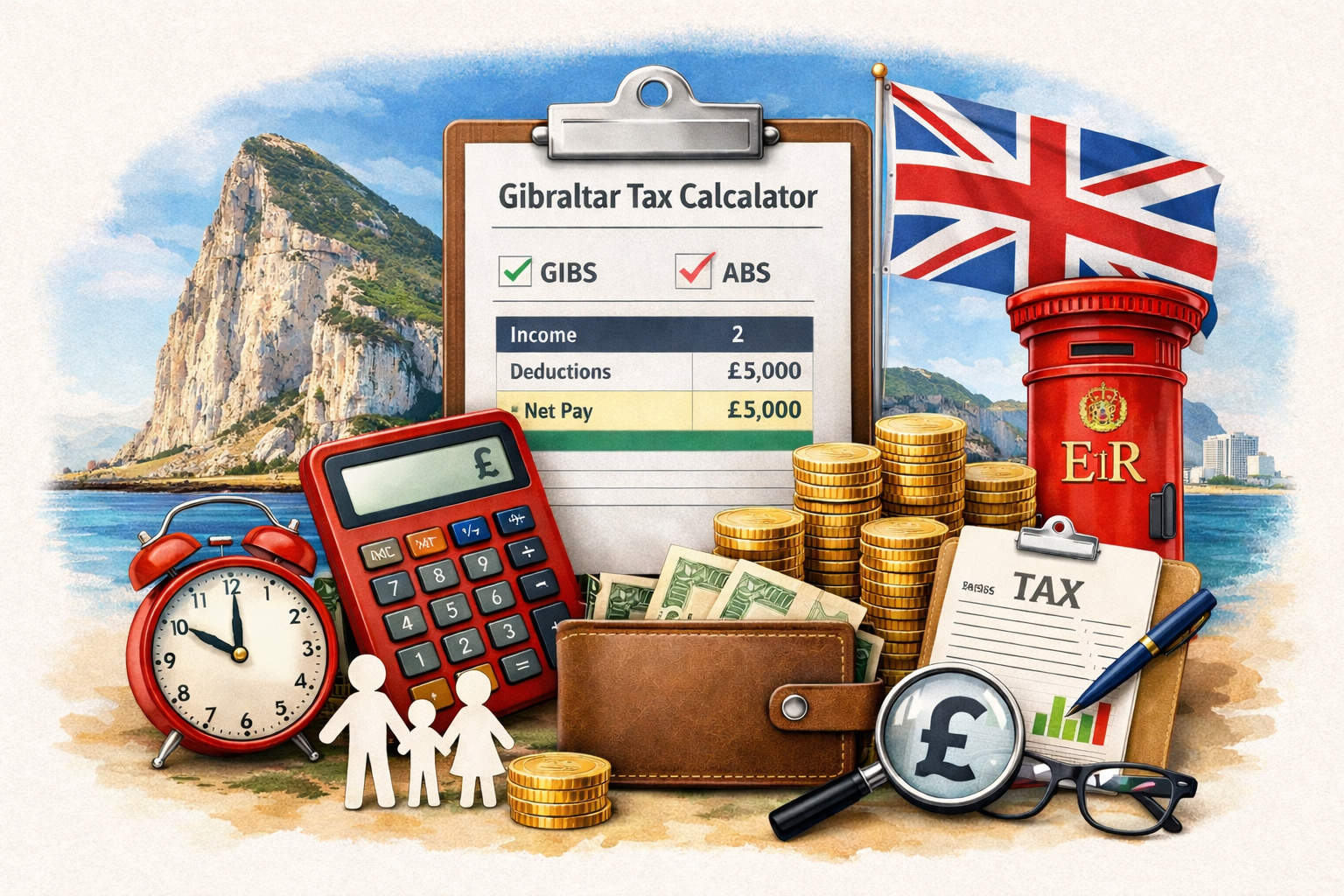
Start here: use our Gibraltar tax calculator to estimate your take-home pay in seconds - then come back to this guide to understand what the numbers actually mean.
A lot of people search for a Gibraltar PAYE calculator or Gibraltar net salary calculator because they’re comparing job offers, planning a move, or trying to work out whether Gibraltar’s tax system will leave them with more money in their pocket than the UK or Ireland. The answer is often “yes”, but only if you understand how the two personal tax methods work.
This guide explains the basics behind the calculator: the difference between GIBS and ABS, how allowances and deductions come into play, and why Social Insurance matters. No legal gymnastics - just practical clarity.
"Gibraltar tax is simple once you understand the two systems: one taxes gross income (GIBS) and one taxes income after allowances (ABS). Most people just want the lower bill - and that’s exactly what our calculator helps you find."
When you work as an employee in Gibraltar, you’re typically taxed under PAYE-style deductions from your salary. The big difference versus other places is that Gibraltar commonly compares two systems - GIBS and ABS - and you generally end up paying under whichever method is more favourable based on your situation.
GIBS stands for Gross Income Based System. Think of it as the “straight line” method: tax is calculated based on your gross income using set bands for the tax year.
In simple terms: you earn £X, the bands apply to £X, and you get a tax total. It’s predictable and easy to sanity-check.
ABS is the Allowance Based System. This is where your selected allowances reduce your taxable income. You’re taxed on: gross salary minus allowances.
ABS can be beneficial if you legitimately qualify for allowances (for example, certain family-related allowances). The calculator lets you choose allowances so you can see how they affect your outcome.
Most people don’t care what the system is called - they care about their net salary. The useful part is comparing both and seeing which produces the lower income tax for your salary and circumstances.
If you’re using our calculator, you’ll see an allowances section where you can select common items. This is the part that makes your result more realistic - especially if you’re moving with a family or buying property.
Some allowances reduce taxable income under ABS, and some deductions may apply under GIBS depending on circumstances. The calculator is designed so you don’t need to memorise rules - you simply select what applies and it estimates accordingly.
Income tax isn’t the only thing that affects take-home pay. Employees typically pay Social Insurance too, and it can change your net monthly figure.
On the calculator page, you can tick Include employee Social Insurance to see a more realistic net result. It’s not meant to replace official payroll calculations - it’s for planning and comparing offers sensibly.
Here’s the sensible workflow (the one that avoids people making bad assumptions from a single number):
Is this an “official” Gibraltar tax calculator?
No - it’s an estimator for planning. Official outcomes depend on your exact circumstances and payroll treatment.
Does it work as a Gibraltar PAYE calculator?
Yes. It’s designed for employees who want a PAYE-style estimate: tax + optional Social Insurance → net salary.
Can this help me compare job offers?
That’s one of the best uses. Net salary matters - but so do benefits like private healthcare, pension, and relocation packages.
If you want the quick answer right now, go to the tool: Gibraltar PAYE Tax Calculator (GIBS vs ABS).
Use our Gibraltar tax calculator to estimate your net salary and compare GIBS vs ABS with tax band breakdowns.
Looking for work? Browse jobs in Gibraltar and apply with confidence.
© 2026 GibraltarJobs.ai